Alt text on every image, without typing a word
Auto Add Alt And Title writes the missing alt text into your Joomla or WordPress pages on the server, so Google, AI crawlers and screen readers find it in the HTML. Alt text that someone wrote by hand stays as it is. The plugin is free.
The editor wrote
<img src="oak-leaf-with-raindrops.jpg">
This page has
checking
The editor wrote
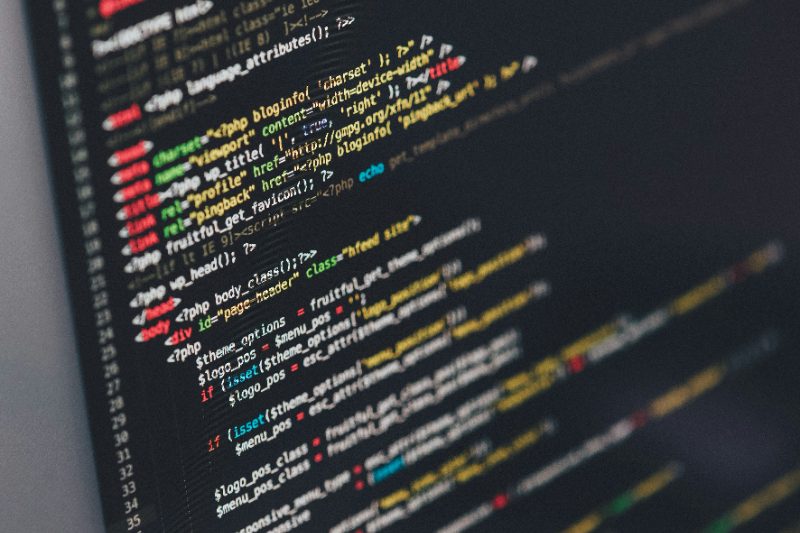
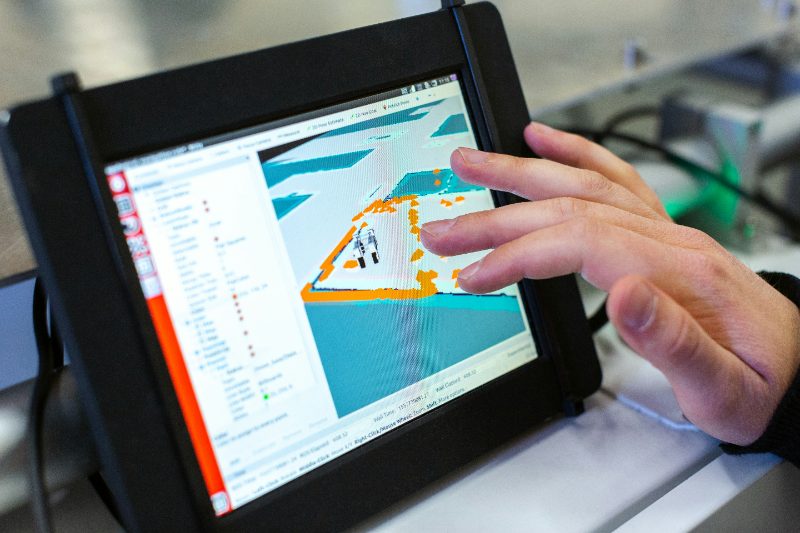
<img src="laptop-glowing-in-the-dark-1600x900.jpg">
This page has
checking
The size ending from the image cache is left out.
The editor wrote
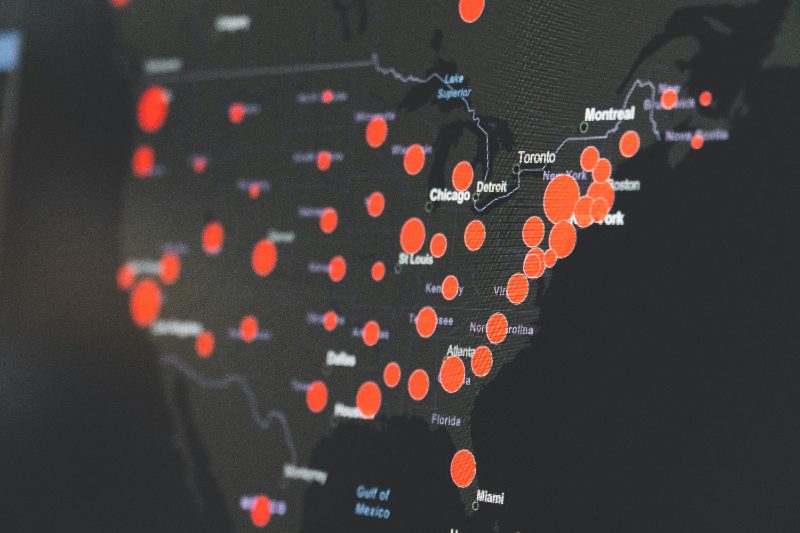
<img src="red-dots-on-a-dark-map_2026-03-14.jpg">
This page has
checking
So is the date.
The line under each image reads the alt from this page. View the page source and you find the same text in the HTML.
How to set this up
Install the plugin and clear the cache. Generate missing alt attributes is on from the start, there is nothing else to do.
When the file name says nothing, it looks around
Image caches and cameras give files names like 600x600bb.jpg. The plugin then takes the alt of another copy of the same image, the caption under it, or the name of the link around it. On WordPress the alt you saved in the media library comes first.
The editor wrote
<img src="600x600bb.jpg">
This page has
checking
Copied from the other copy of the same image.
The editor wrote
<figure>
  <img src="DSC00123.jpg">
  <figcaption>Testing a new layout in a sunny studio</figcaption>
</figure>
This page has
checking
Taken from the caption.
The editor wrote
<a href="/smart-grid-demo" aria-label="Open the Smart Grid demo">
  <img src="screenshot.jpg">
</a>
This page has
checking
Taken from the name of the link.
How to set this up
On Joomla these are Reuse alt from identical image and Generate alt from content context on the Alt and title tab. On WordPress they are Reuse alt of the same image and Use the surrounding content. All of them are on by default.
Names that say nothing stay empty
An alt such as "IMG 4032" tells a screen reader nothing. When no source has anything useful to say, the alt stays empty. You then know exactly which images to describe by hand.
The editor wrote
<img src="IMG_4032.jpg">
This page has
checking
The editor wrote
<img src="image.jpg">
This page has
checking
The editor wrote
<img src="20260314_101502.jpg">
This page has
checking
How to set this up
Words that say nothing holds words such as photo, image and screenshot in six languages. Max digits per word drops serial numbers. You can add your own words to the list.
Free for Joomla and WordPress
No license key, no account and no paid version. Joomla and WordPress each have their own download, and updates arrive through the normal update screen.
Decorative images stay silent
A wave between two paragraphs is decoration. When an editor marks an image as decorative, it keeps its empty alt and a screen reader skips it. An icon inside a link with text stays empty too, so nobody hears "Arrow Right Next".
The editor wrote
<img src="decorative-wave.png" alt="">
This page has
checking
Marked as decorative, so it stays empty.
The editor wrote
<img src="oak-leaf-with-raindrops.jpg" alt>
This page has
checking
An empty alt field in YOOtheme Pro is filled in.
The editor wrote
<a href="/smart-grid-demo">See the Smart Grid demo
  <img src="arrow-right.png" alt="">
</a>
This page has
checking
The link text already says it all.
How to set this up
On Joomla, tick No description in the image field. Keep a deliberate empty alt is on by default. On WordPress, switch on Keep a deliberate empty alt under Alt text and title and leave the alt field of the image empty.
Your logo gets its own name
New: some files always show the same thing, but the file name cannot say what. Under Fixed alt text you write one rule per file or folder. {name} adds the alt from the file name, and a rule with nothing after the equals sign keeps an icon silent.
The editor wrote
<img src="brand-mark.png">
This page has
checking
Rule: brand-mark.png = YOOzeCase. The file name alone would give Brand Mark.
The editor wrote
<img src="partners/harbour-bakery.png">
This page has
checking
Rule: */partners/*.png = Partner: {name}. An example logo; {name} is the file name.
The editor wrote
<img src="icons/arrow-right.png">
This page has
checking
Rule: */icons/*.png = with nothing after it. Every icon in that folder stays empty.
How to set this up
On Joomla, open the plugin, tab Alt and title, field Fixed alt text. On WordPress, go to Settings, Auto Add Alt And Title, field Fixed alt text. Write one rule per line, such as logo.svg = Your company or */partners/*.png = Partner: {name}. A rule never replaces an alt that is already there.
A tooltip only when it adds something
The title attribute shows as a tooltip. With the default setting, a title only appears when a caption or a link says more than the alt. If you want a title on every image, choose Mirror.
The editor wrote
<figure>
  <img src="desk-in-a-sunny-studio.jpg" alt="Desk in a sunny studio">
  <figcaption>Where the YOOzeCase plugins are tested</figcaption>
</figure>
This page has
checking
The caption says more, so it becomes the title.
The editor wrote
<img src="laptop-glowing-in-the-dark-1600x900.jpg">
This page has
checking
Nothing to add, so no title.
How to set this up
Title attribute on the Alt and title tab: Off, Enrich (the default) or Mirror. A title that is already there is never overwritten.
Questions before you install
Is it really free?
Yes. There is no license key and no paid version. You download it through the shop for EUR 0, and updates arrive through the normal update screen of Joomla or WordPress.
Does it change my articles or posts?
Not by itself. The alt is added each time a page is shown, and your content stays as it is. On Joomla, Alt text in your articles writes it into the empty image fields of your articles when you click Fill in, with a preview first and an Undo. On WordPress only the media library buttons, WP-CLI and Fill in alt on upload write alt text, and only where it was empty.
Will it overwrite alt text I wrote?
Never. An alt that someone wrote is left alone, and so is a title that is already there.
Do I need YOOtheme Pro?
No. It works on Joomla 5 and 6 and on WordPress 6.5 or newer. With YOOtheme Pro it also recognises the names of the image cache and its lazy loading.
Why does one of my images still have no alt?
Its file name says nothing, and there is no caption, link or other copy of the image on the page. Give that image an alt by hand or a caption. An alt such as DSC00123 would be worse than none.
Can Google and AI crawlers see the alt?
Yes. The alt is in the HTML before the page leaves your server, so crawlers read it without running JavaScript. A small script in the browser only handles images that appear later, for example in a slideshow or a lightbox.
Can AI write the alt text?
On WordPress 7, if you switch it on. When the caption, the description and the title say nothing, the AI service you set up in WordPress describes the image before the file name is used. That only happens in the media library, never while a page is shown. It is off by default, because your AI provider may charge for each image. The Joomla edition does not use AI.
Can an image with a caption get an empty alt?
Yes. Under Image with a caption, choose Empty alt, the caption describes the image. A screen reader then reads the caption once instead of twice, as WCAG advises. By default the alt repeats the caption, which helps search engines.
Does it work on a site in more languages?
Yes. Switch on File names only in their own language. On a page in another language than your file names, the alt no longer comes from the file name, so an English page does not get Strand Zomer. On WordPress this works with WPML, Polylang and lang attributes.
How do I check what it did?
View the source of a page, not the page inspector. Or click Check up to ten pages, on Joomla on the Dashboard tab and on WordPress under Check your pages. It looks at your homepage and up to nine pages it links to, without and with the plugin, and lists the images that still need an alt from you.
Try it on your own images
No license key, no account and no paid version. Joomla and WordPress each have their own download, and updates arrive through the normal update screen.